Better menu access. Simpler restaurant ordering.
QRAVY connects restaurant tables to digital menus, giving customers an easy way to explore dishes, review prices, and prepare their selections before speaking to a waiter.
Your waiters still take the order. QRAVY gets your guests ready for it.
Guests build a tray on their own phone and show it at the table. Nothing is sent to the kitchen, nothing is charged — your team confirms the order out loud and handles it the way you already do.
How it works
From table to tray in six steps.
- 01
Scan the code at the table
Any phone camera opens the restaurant's menu in the browser. No download, no sign-up.
- 02
Browse the menu
Dishes and drinks by category, with photos, descriptions and current prices.
- 03
Add dishes to the tray
Pick items and quantities. The tray stays put if they refresh or close the browser.
- 04
Check the estimated total
Prices are checked against the restaurant's current menu, so the total is never stale.
- 05
Show the tray to the waiter
A large, easy-to-read summary made for holding the phone up at the table.
- 06
Confirm it out loud
The waiter confirms the selection and places the order through your usual process.
On every table
One card per table. Printed once.
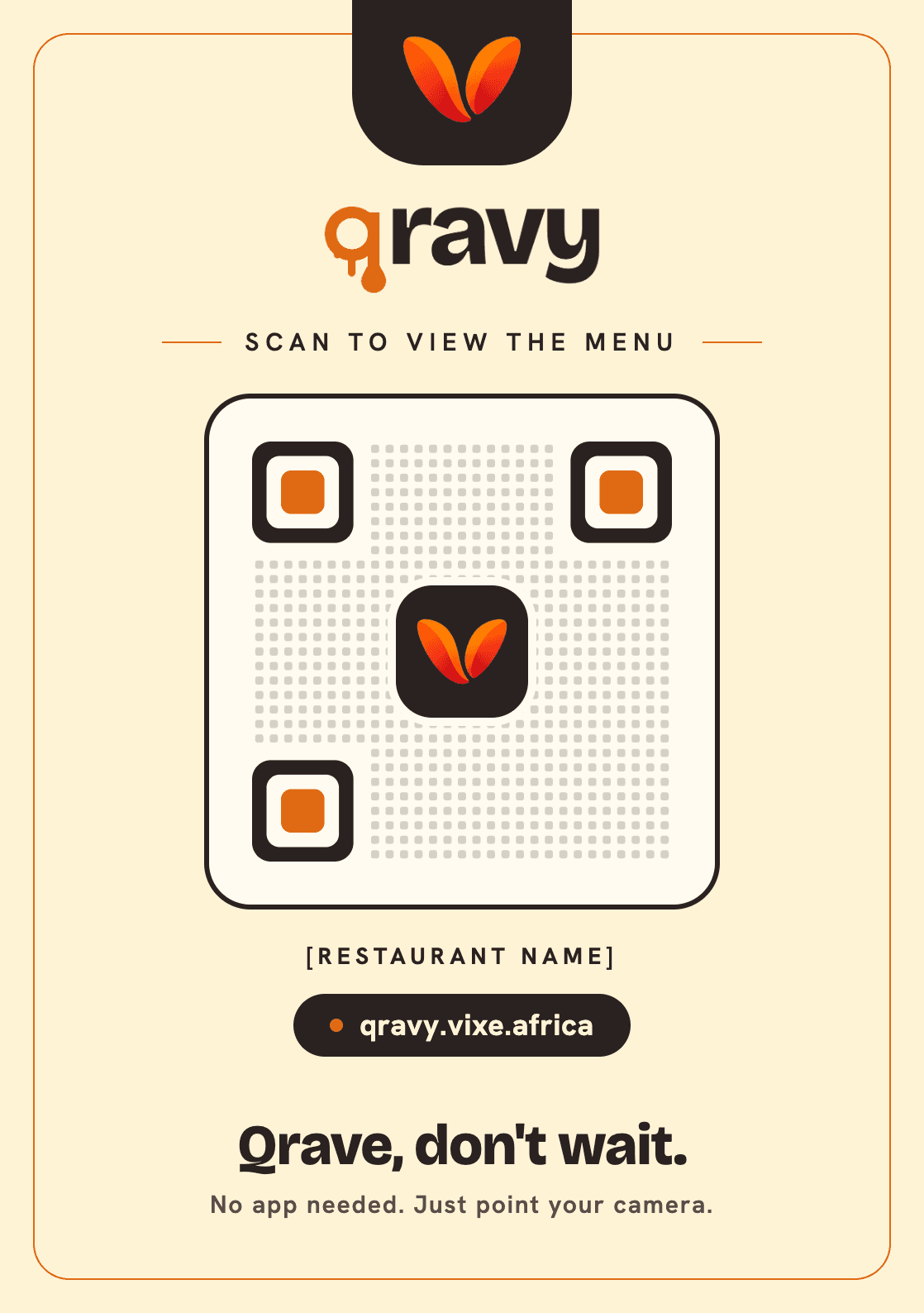
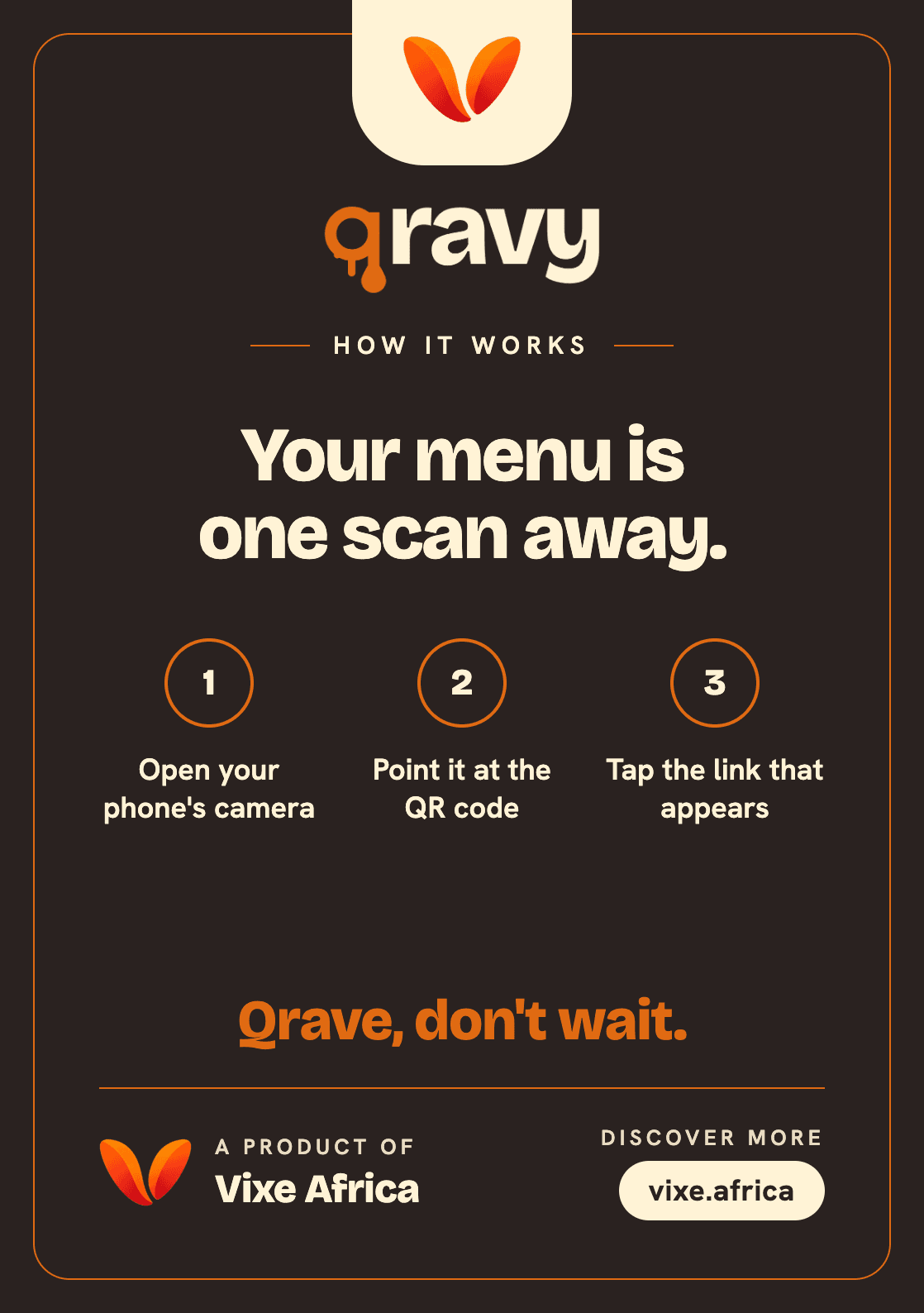
The front carries the table's QR code. The back walks first-time guests through scanning in three steps. Each code opens the restaurant's permanent menu link, so changing a dish or a price never means reprinting.
- 1Open your phone's camera
- 2Point it at the QR code
- 3Tap the link that appears
Qrave, don't wait.
For restaurants
Print the code once. Change the menu whenever you like.
Each table code points to a permanent address for your restaurant. When a dish or price changes, the menu behind it changes — the printed code stays exactly where it is.
Menus on every phone
Guests read the full menu on their own screen, at their own pace.
Prices that are current
What guests see is what's on your menu today — no crossed-out laminated cards.
Updates in one place
Dishes, photos and prices are managed centrally and show up at every table.
QR codes that last
The code at each table never needs reprinting because the menu changed.
Easier browsing
Categories, photos and clear prices help guests decide before they call someone over.
A tray your waiter can read
Items, quantities and an estimated total in large type, ready to confirm.
What guests see
Menu. Tray. Waiter view.
Set up for you
You send the menu. We handle the rest.
QRAVY is built and run by Vixe Africa. Our team loads your menu, checks every price with you, and prepares the codes for your tables.
- 1We add your categories, dishes, photos and prices.
- 2You review the menu and confirm the prices.
- 3We switch your menu on and print your table codes.
- 4Menu changes later? Tell us — the codes stay the same.
Restaurant enquiries
Bring QRAVY to your restaurant.
Tell us a little about your place and we'll get back to you to talk through your menu and tables.